
Multi-workspace teams
Separate projects with members, roles, and email invites so the right people see the right notes.
NotesPro
Workspaces, rich markdown, Keep notes, jukebox playlists, project boards, click-to-order menus, and team chat — pinned in one place.
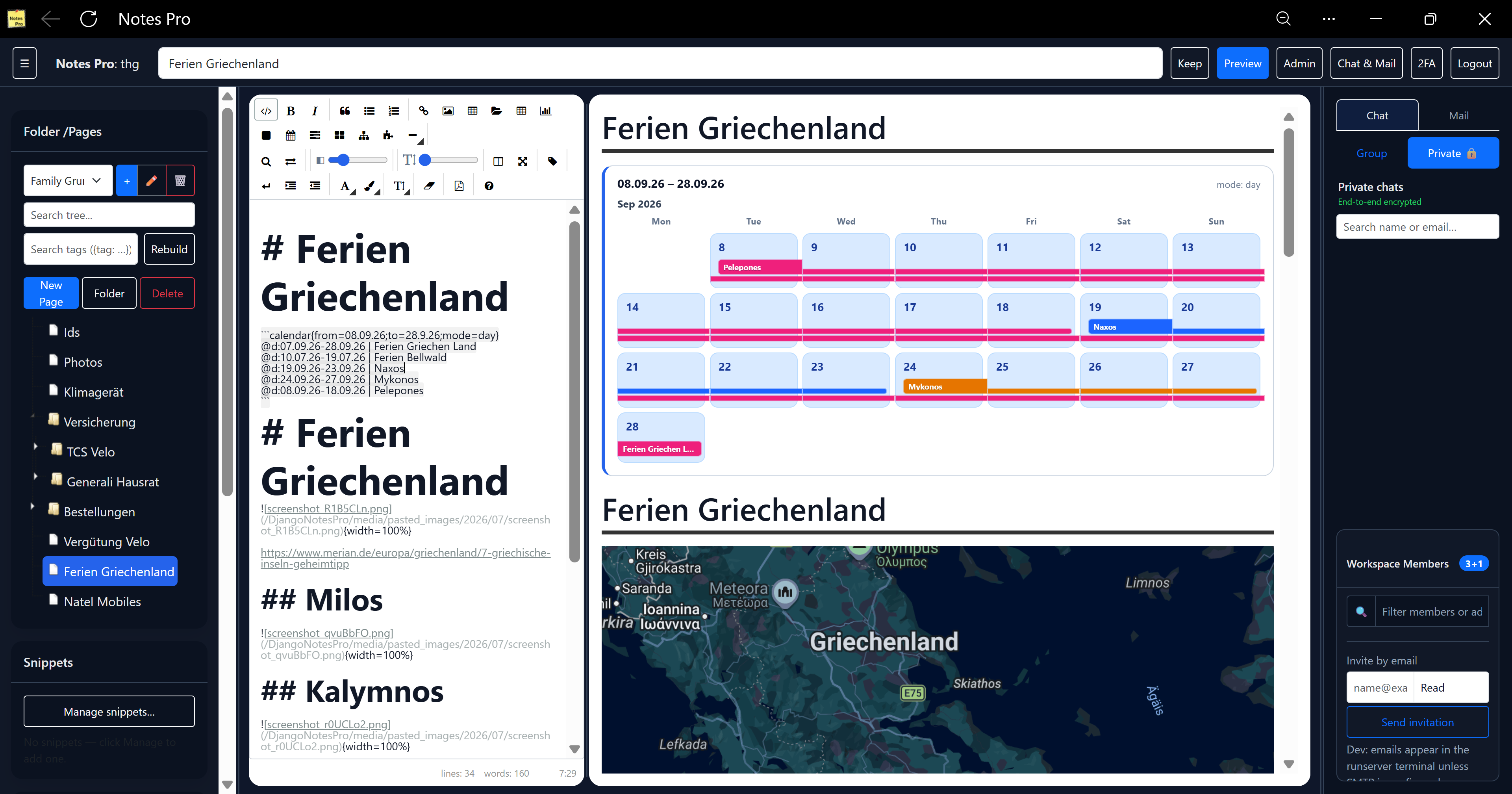
Click a photo to open it — dashboard, boards, sheets, RSS, 3D gallery, photo cube, Pac-Man, and Tetris.
Everything NotesPro brings to your team — writing, planning, menus, music, games, files, messaging, and two-factor login.
Separate projects with members, roles, and email invites so the right people see the right notes.
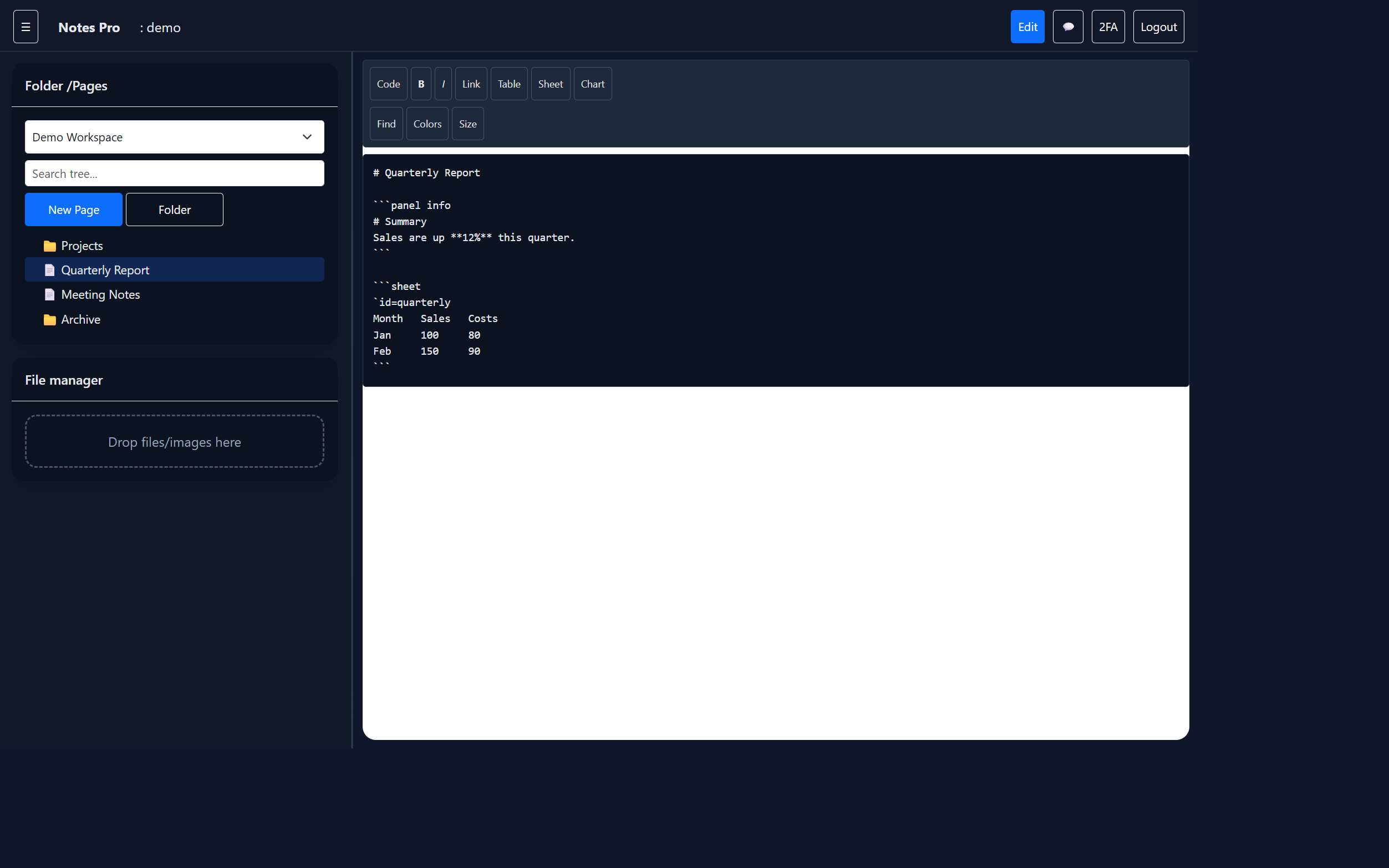
jsTree navigation with search, drag-and-drop reorder, inline rename, last-page memory, and restore after a soft delete.
EasyMDE with split edit/preview, synced scrolling, floating TOC, find/replace, snippets, indent, colors, and font size.
Page settings can show or hide the table of contents and the tag bar. Add or remove {tag: name} markers from the same dialog.
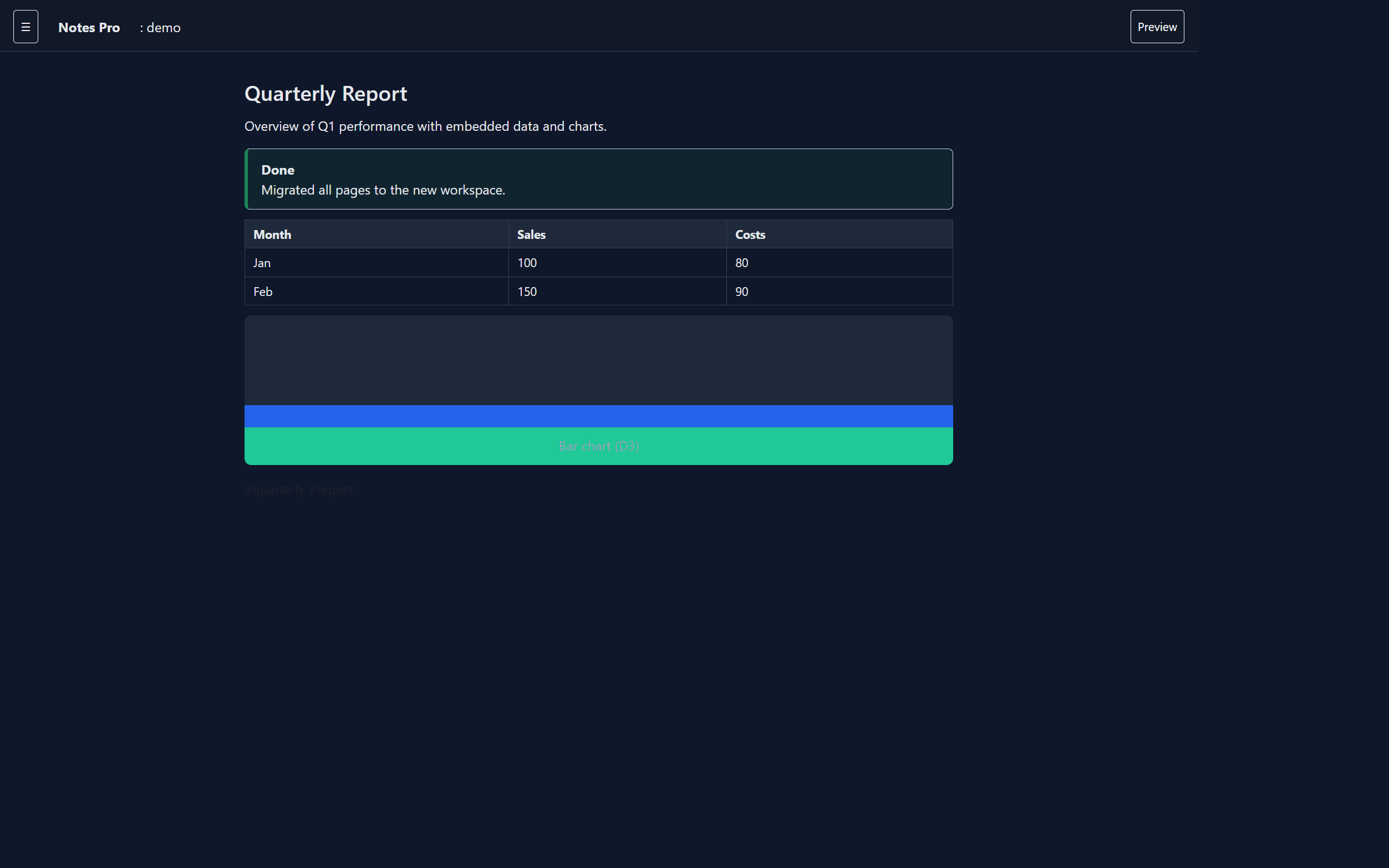
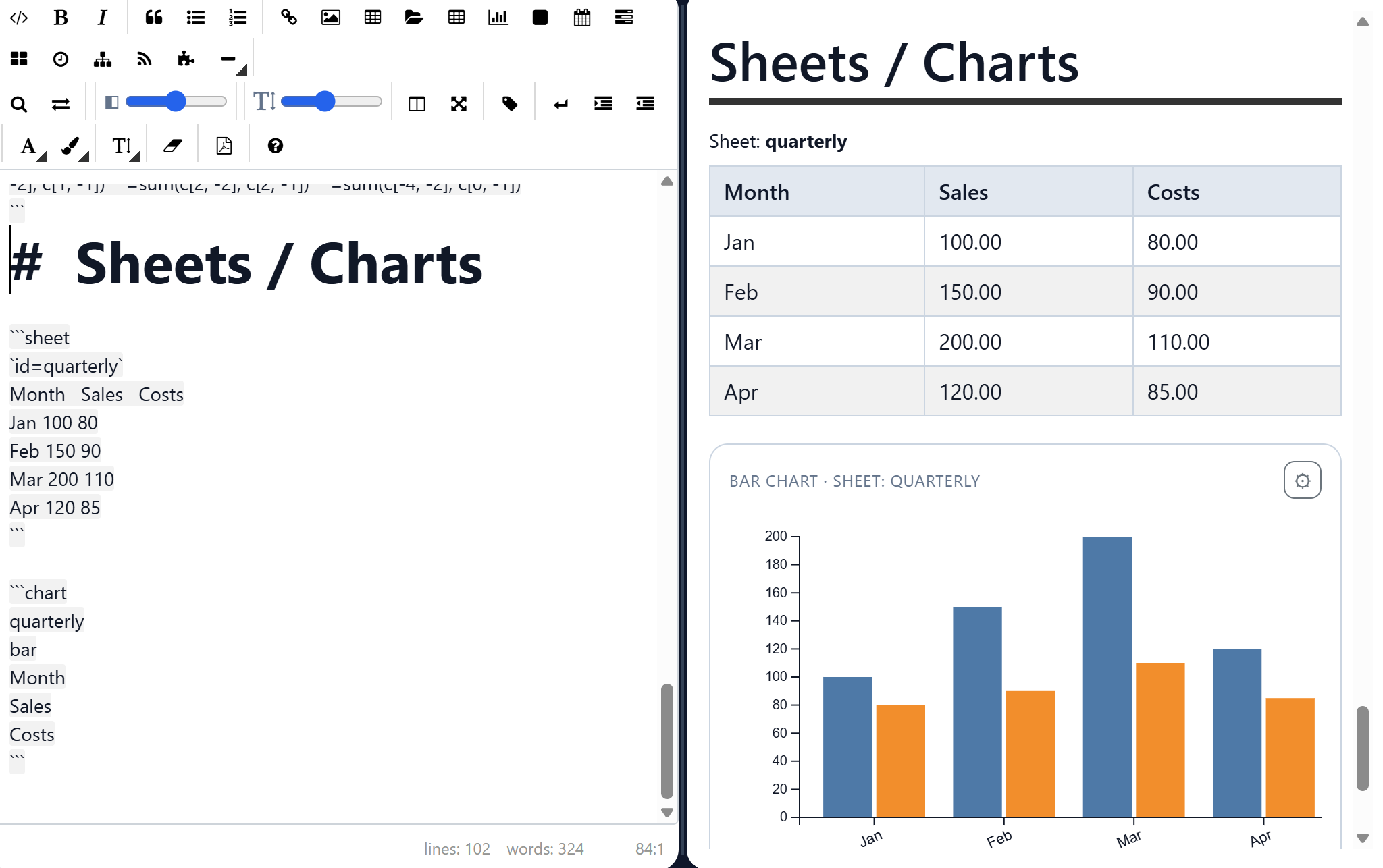
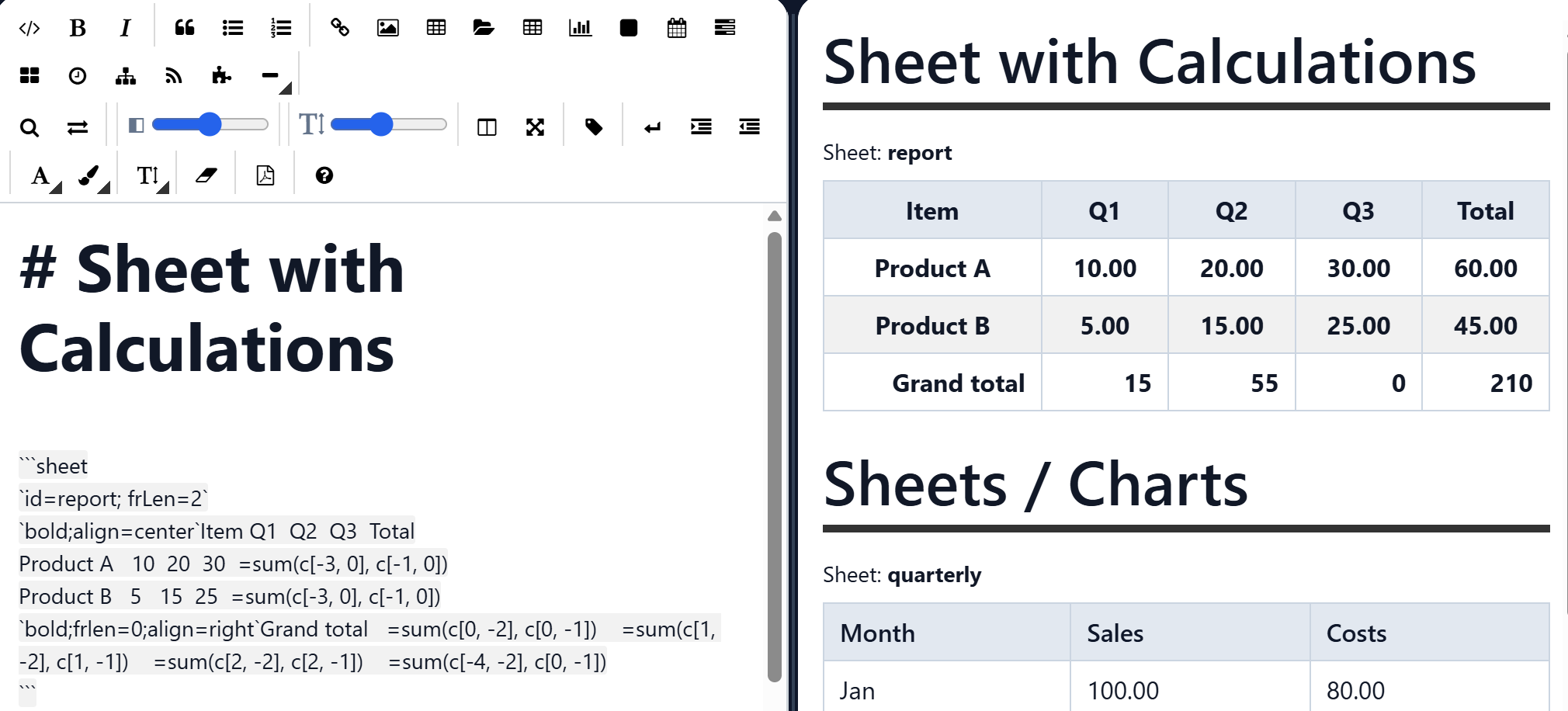
Tab-separated sheet blocks with formulas, inline markdown in cells, linked D3 charts, and images in cells — docs that calculate.
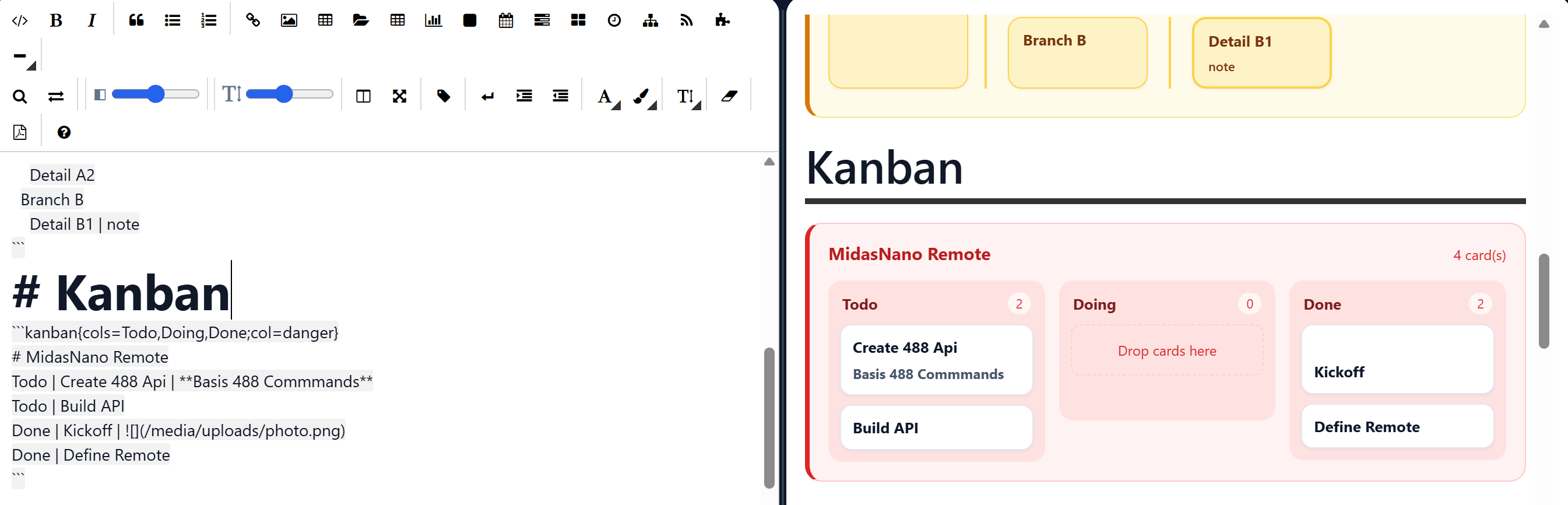
Date ranges, timelines, and drag-and-drop boards directly inside markdown — no separate tools.
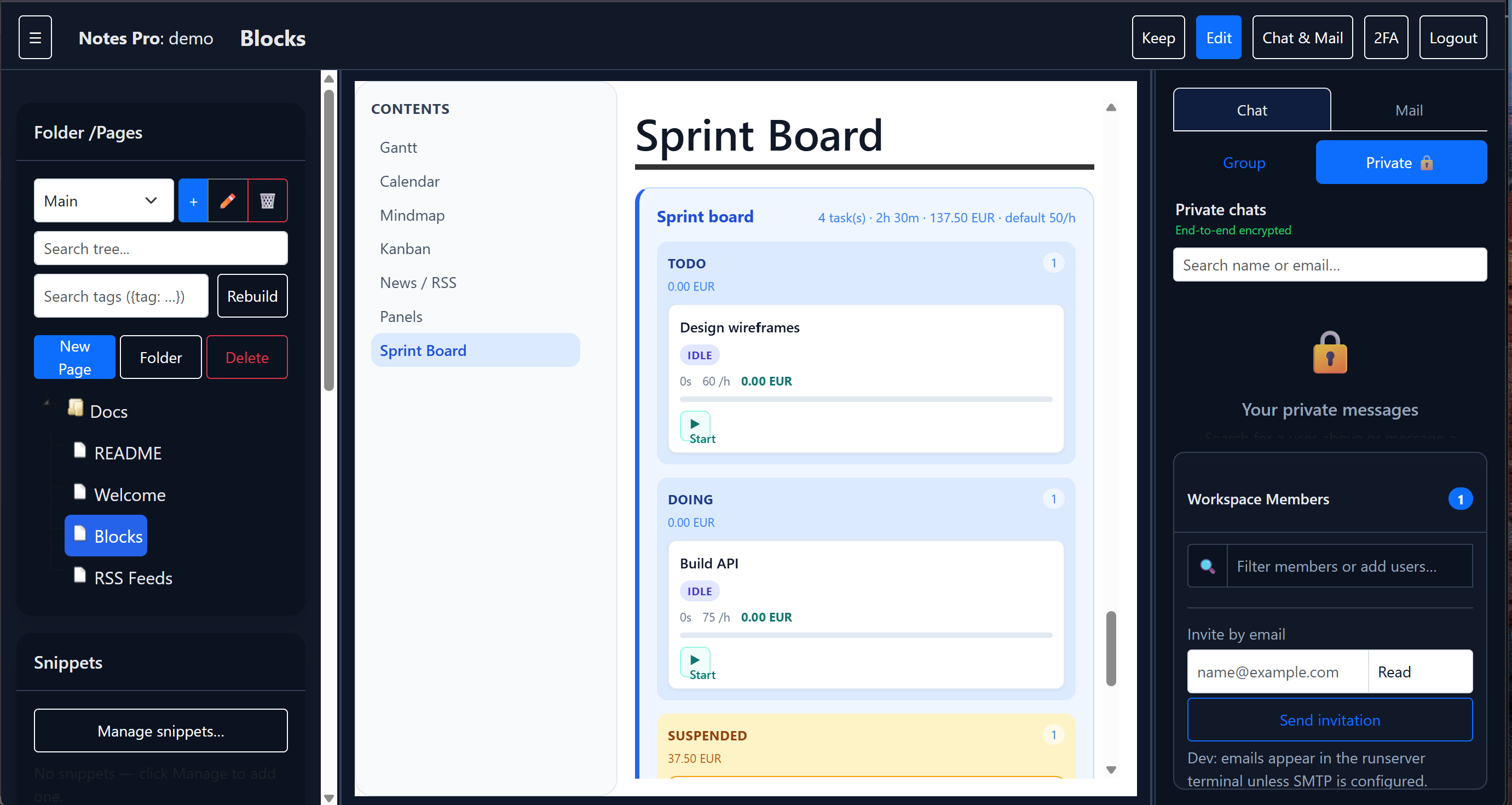
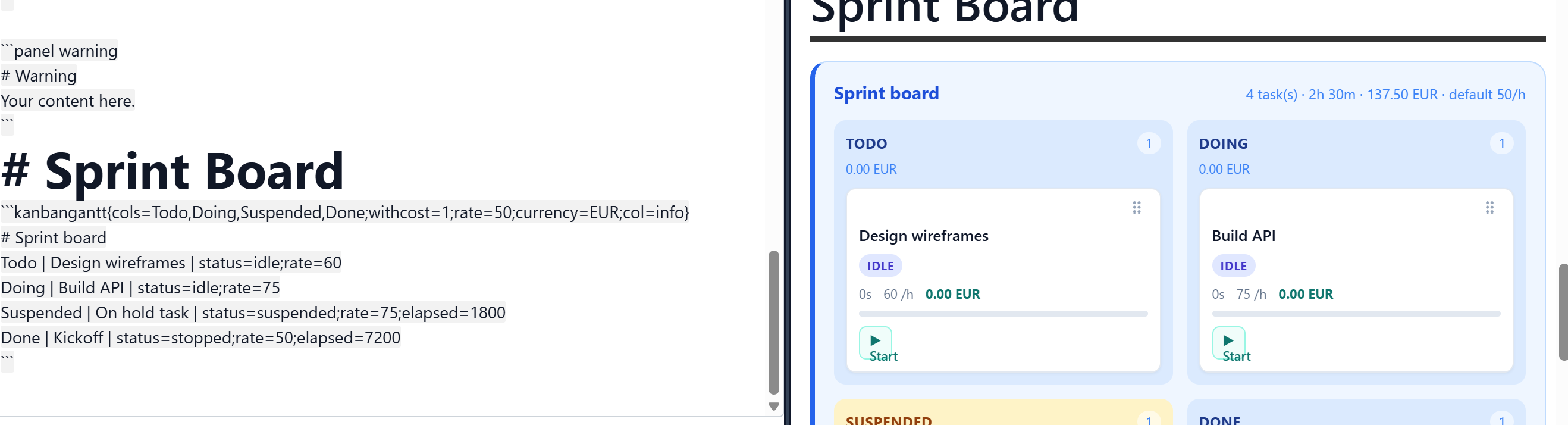
Start / Suspend / Stop timers, Suspended column, hourly rates, optional cost totals, and wrap layout on small screens.
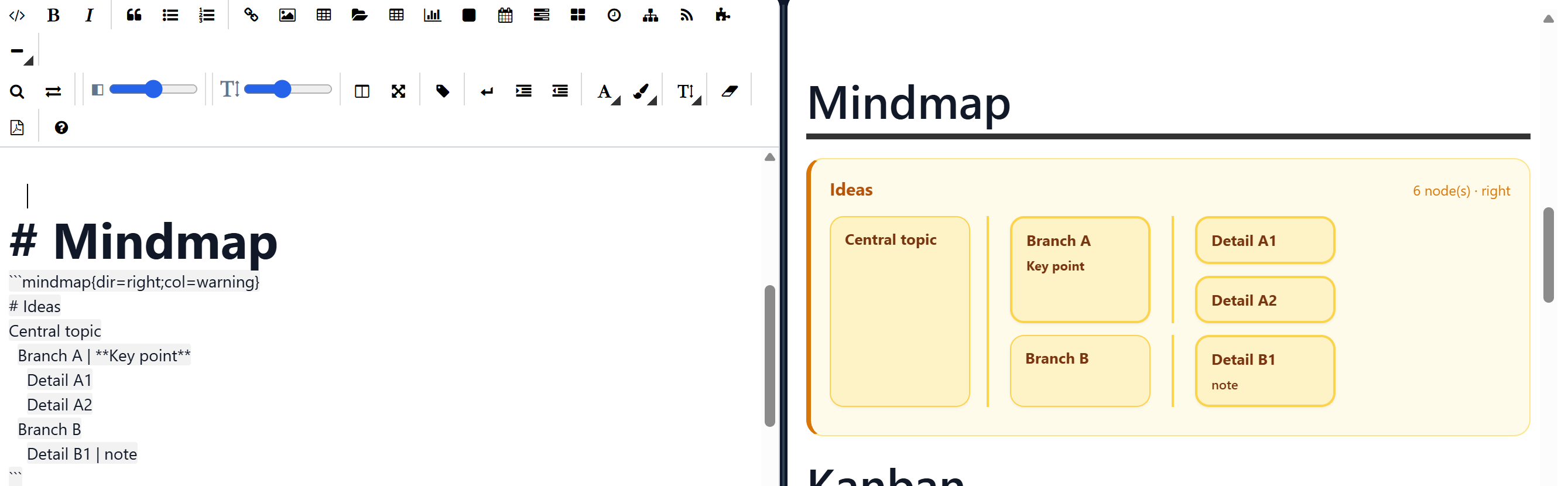
Indented idea trees in markdown for brainstorms that stay with the page.
Each table is a panel. Use settings to set the number of tables, click dishes to order, then send a bill — archived with date and time.
Software downloads plus a product catalog. Pay with PayPal, Visa, or Mastercard. Checkout asks on the page. Card numbers are never stored. 25s promo.
Local ads in markdown: categories, search, posting view, Reply to all group members, Add item by mail, and Edit for page owners.
Octave-style calcs blocks: real and complex math, matrices, ranges, and multi-curve plots next to the source.
Run Python in a Pyodide sandbox — print, pandas, and matplotlib plots appear in the preview.
Record in the browser and transcribe locally with open-source Whisper — no cloud speech API.
Play albums in a diner jukebox: drop folders, add Google Drive, keep playing in the background, and skip random 30 / 60 / 90 second clips. Titles show folder and filename.
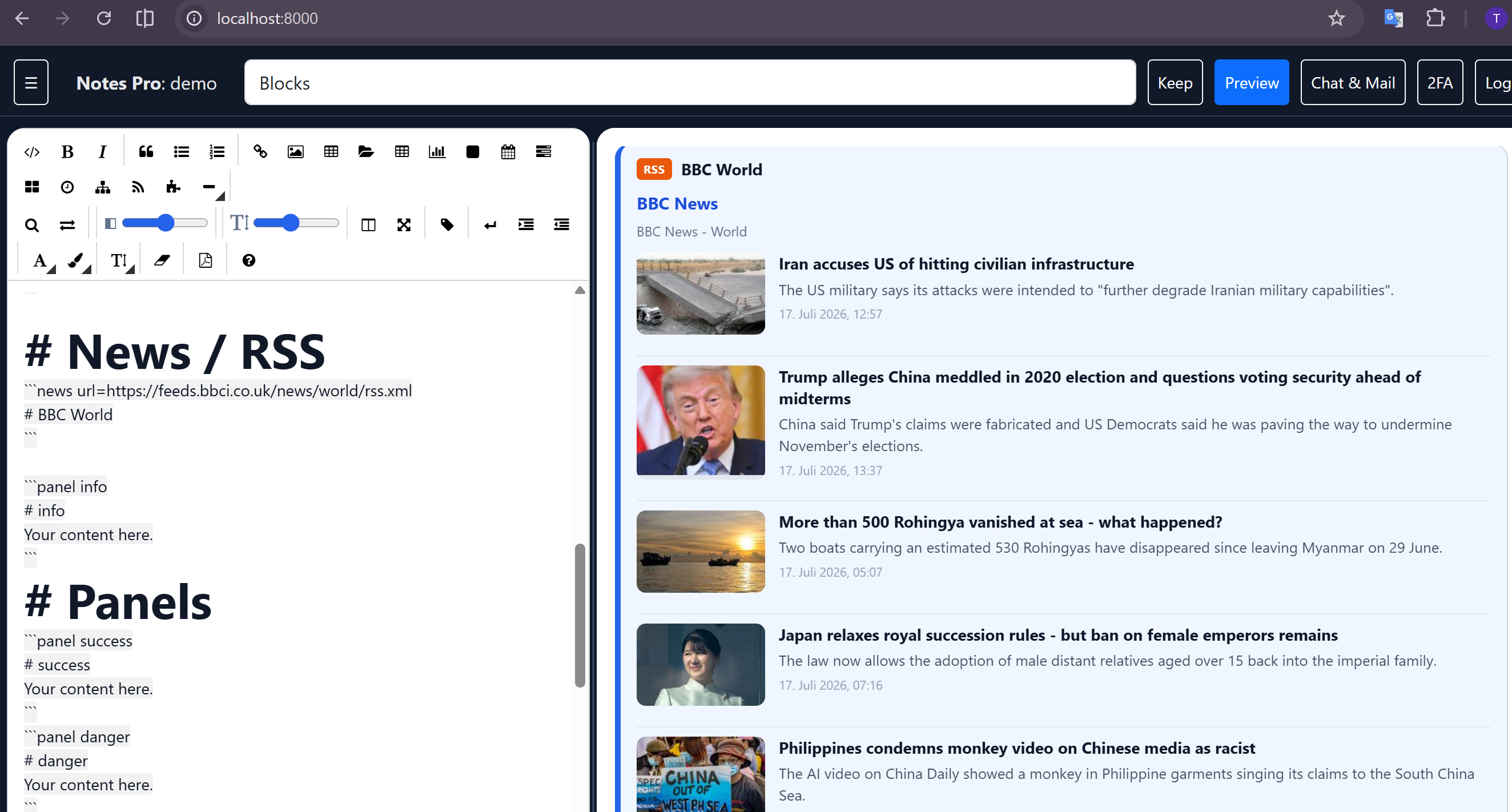
Embed live news feeds in a page — Magpie-style cards from BBC and other RSS sources.
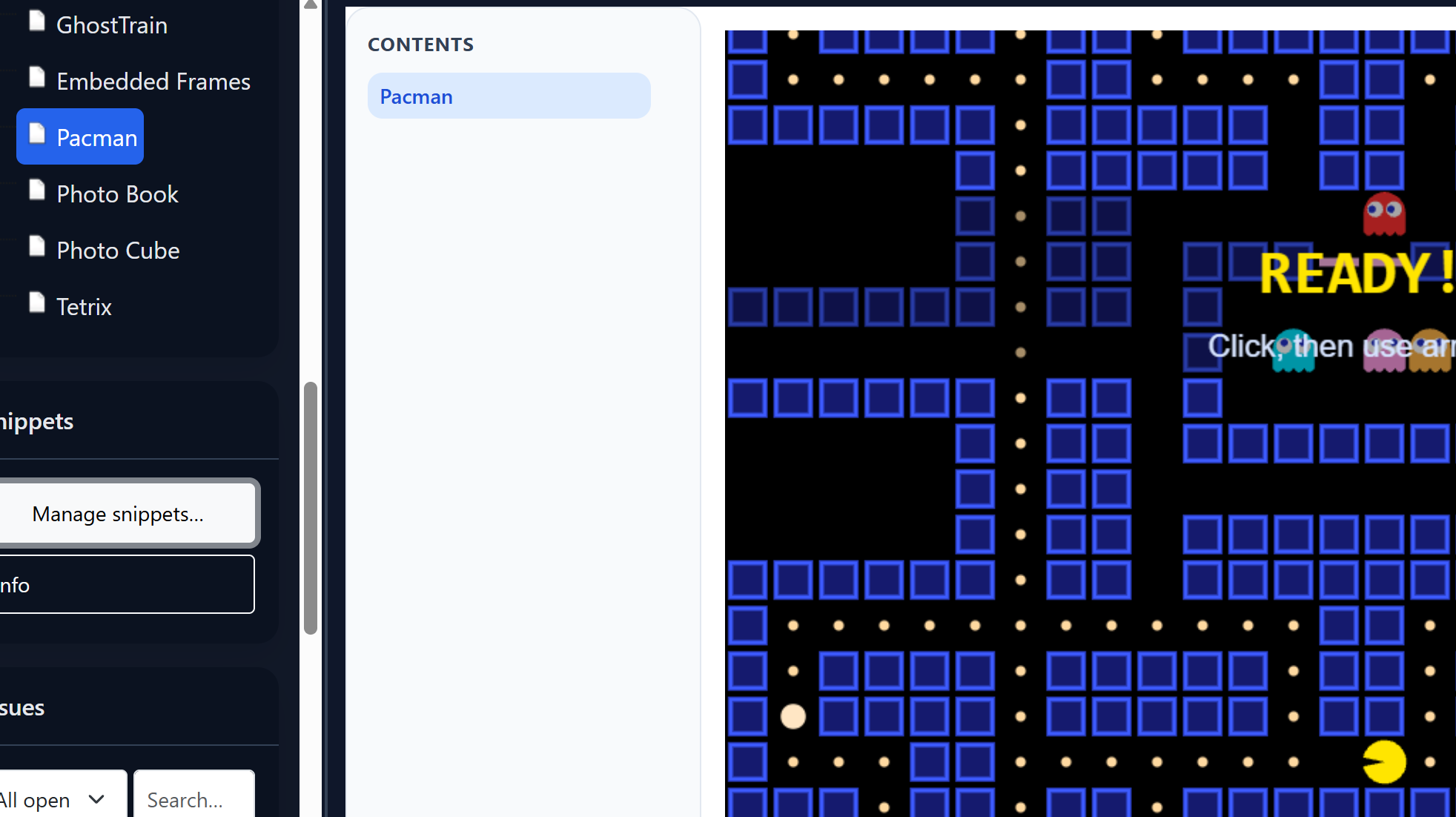
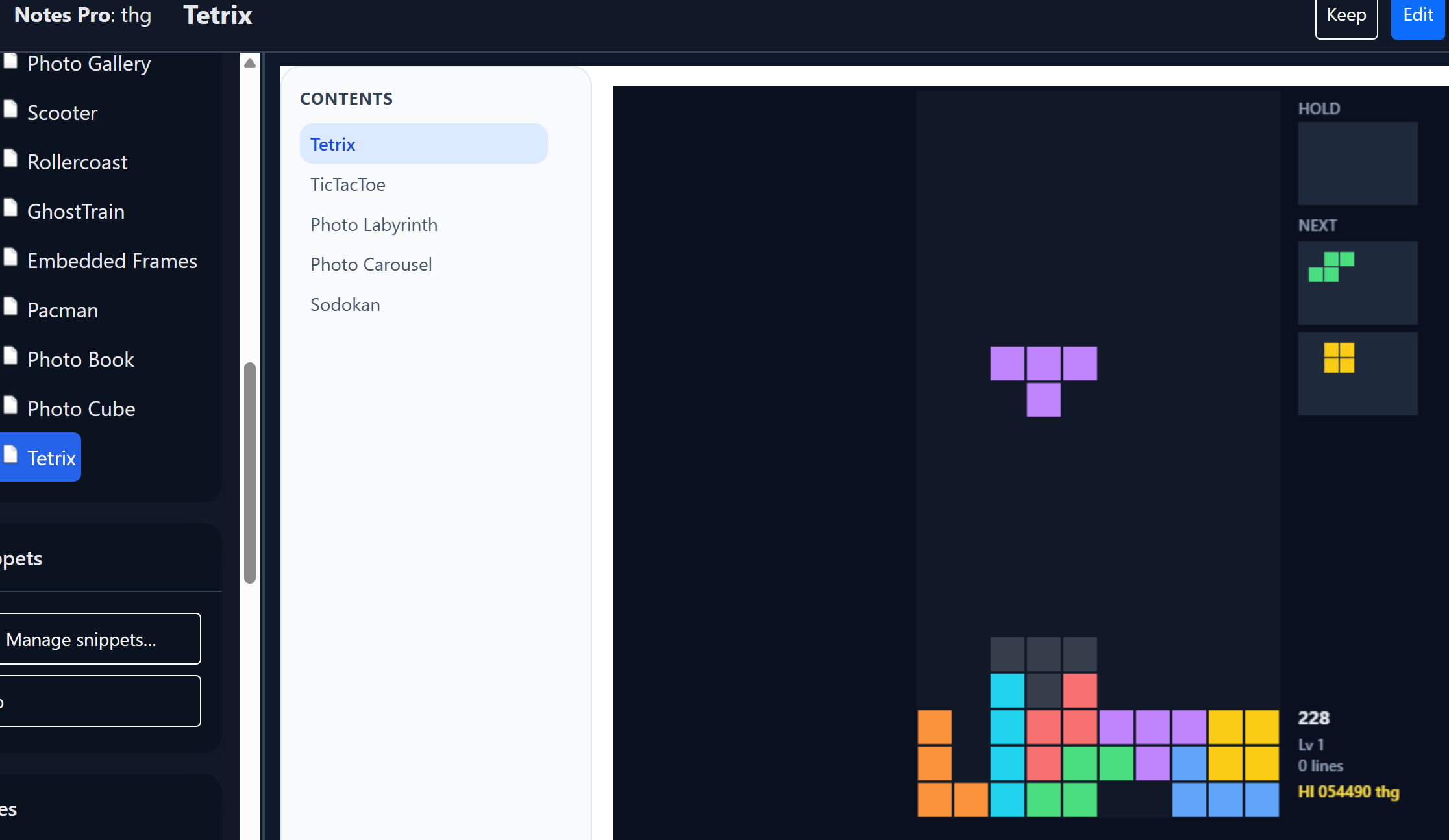
Sudoku, chess, Tetris, Sokoban, Pac-Man, pinball, and more — interactive blocks inside the note.
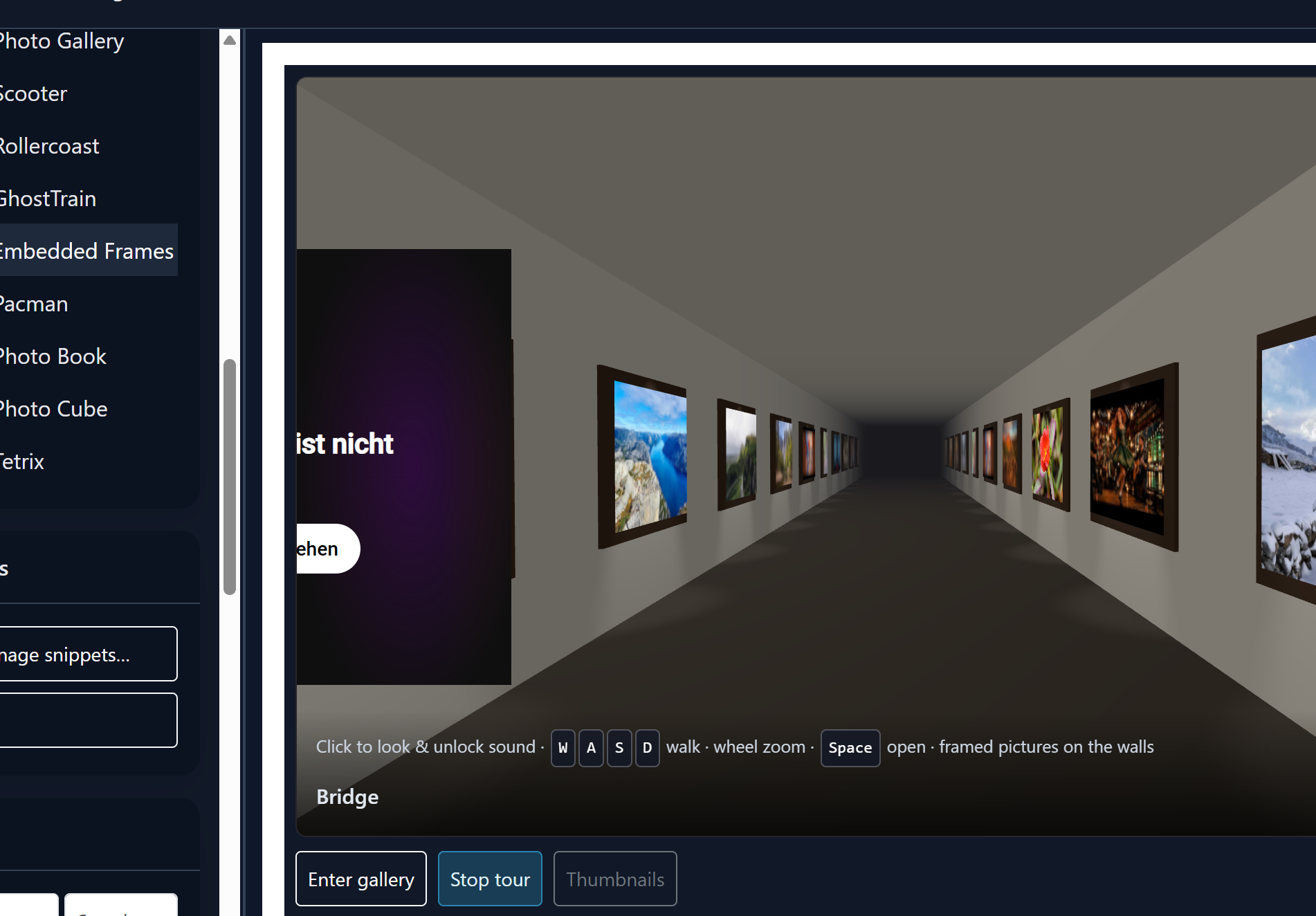
Walk-in photo corridors, cubes, books, 3D carousels, roller coaster, scooter, ghost train, and labyrinth walls from your images.
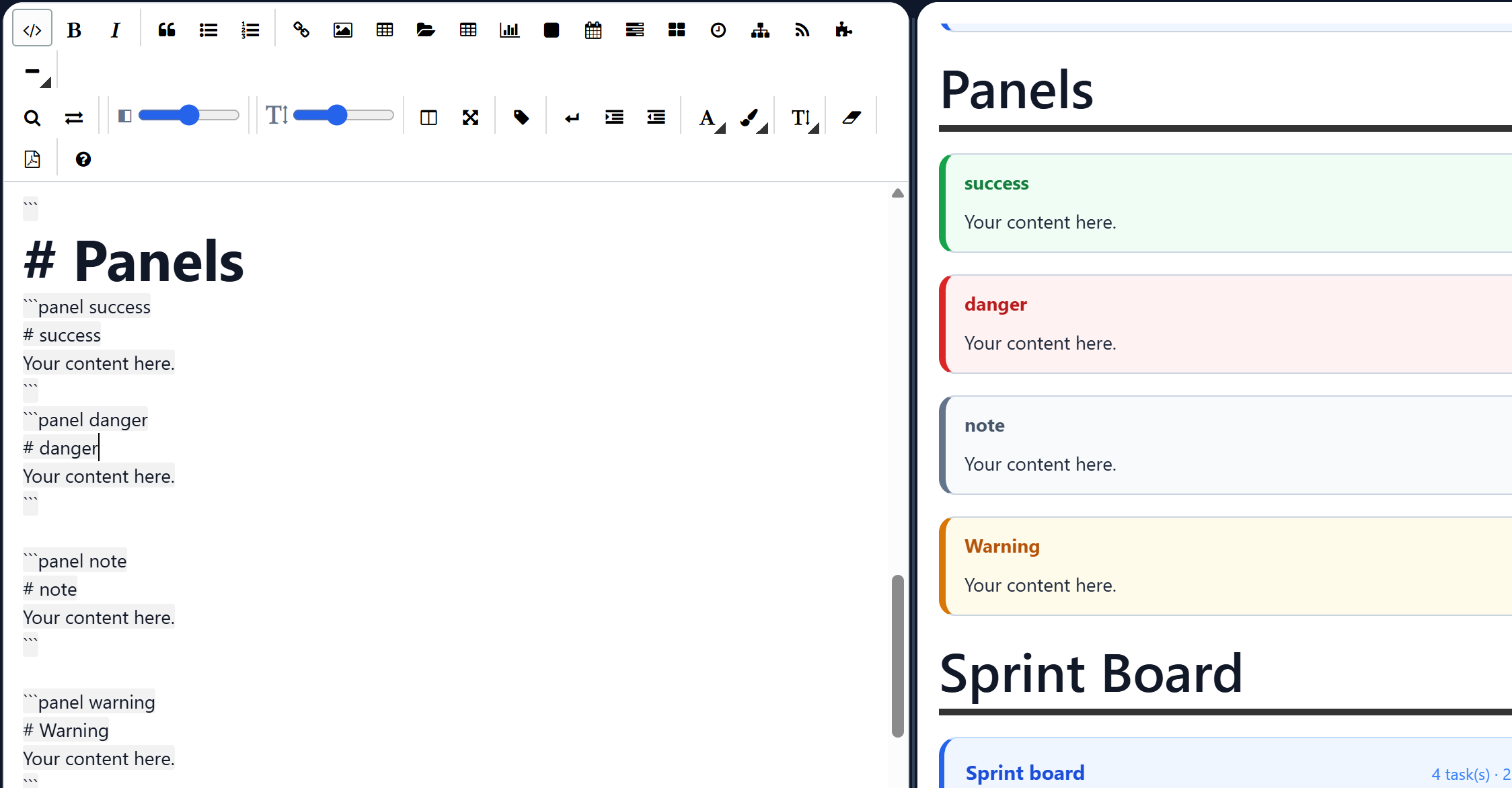
Info, success, warning, danger, and note panels for structured documentation.
Sticky notes with pin, colors, checklists, archive, markdown rendering, and drag reorder.
Drag-and-drop file manager; images open in a new tab; local file links for desktop workflows.
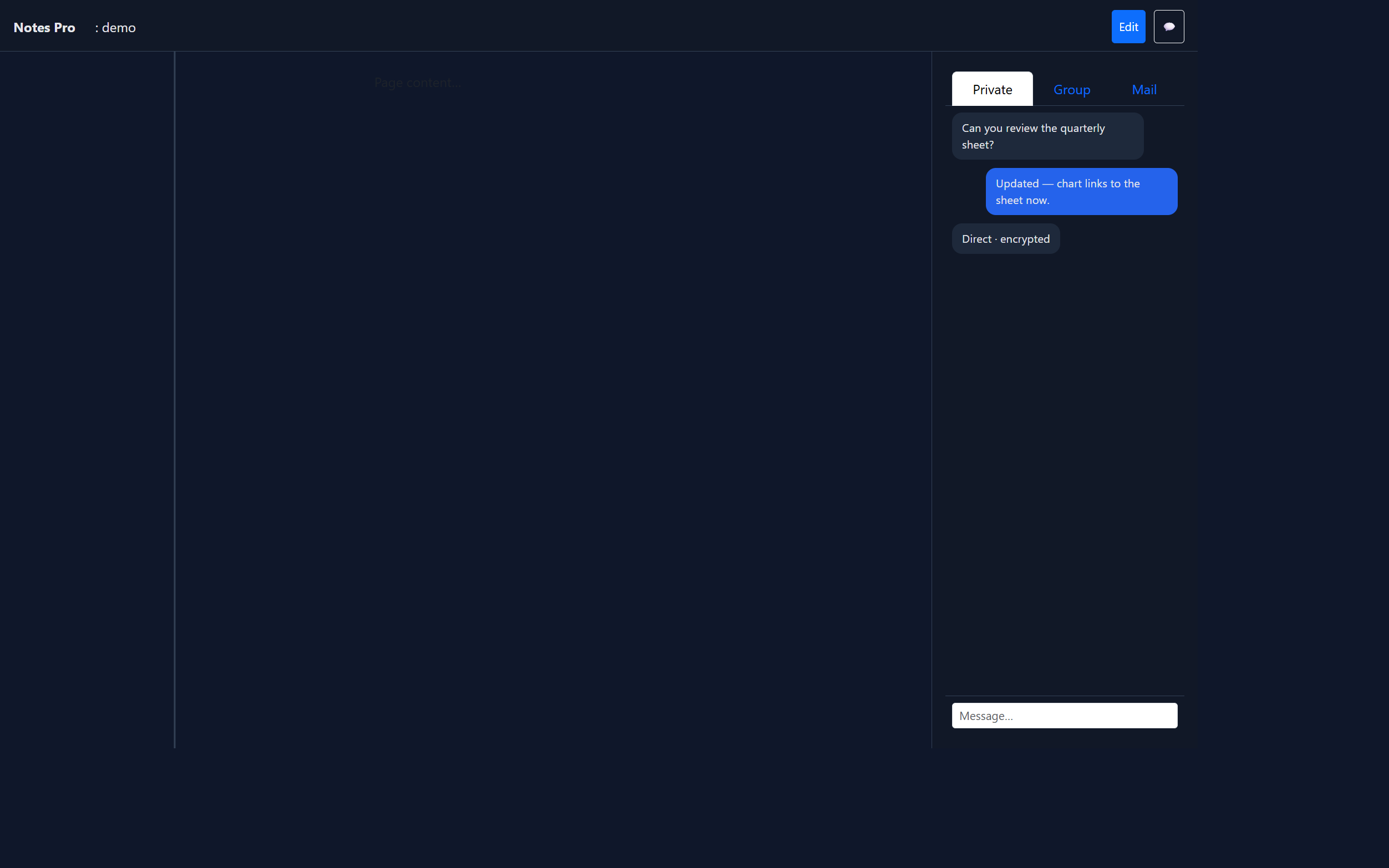
One-to-one messages, a workspace group channel, and optional direct connection when both people are online.
Inbox, sent, and compose inside the dashboard — plus NotesPro routing for incoming mail.
Optional TOTP two-factor sign-in so you can protect your NotesPro account with an authenticator app.
Brace tags like {tag: WLAN} with workspace search. Page settings lists them and can hide the tag bar without deleting the markers.
Numbered issues in the right panel with status, priority, assignee, labels, and an optional related page.
Sidebar, editor, and chat widths remember your layout — desktop and mobile friendly.
Export and import workspaces so documentation and structure move with your team.
Download the source, or pay for a single-site license with PayPal, Visa, or Mastercard.
Source free · License 49 EUR
Markdown workspaces, Keep notes, menus, jukebox, games, and team chat. Download the zip, or check out a license in the live app.
A local ads board inside a markdown fence — search, categories, Reply to all group members, Add item by mail, and Edit for page owners.
notespro NotesList
Main
Sign in and start writing, planning, and chatting with your team — or clone the project and run it yourself.
Live app: https://thgsoft.online/DjangoNotesPro/
NotesPro is a collaborative notes app from ThGSoft. This page describes the product. The live service is at thgsoft.online/DjangoNotesPro. Source code: github.com/ThGSoft/NotesPro.
This landing page does not ask you to create an account. If you open the live app, ThGSoft stores the account and workspace content you choose to save so the product can work. We do not sell personal information. We do not use this page to collect payment card numbers.
If you reach this page from a Google ad, Google may record the click under Google’s privacy policy. This page does not set advertising cookies of its own.
Contact: GitHub issues.